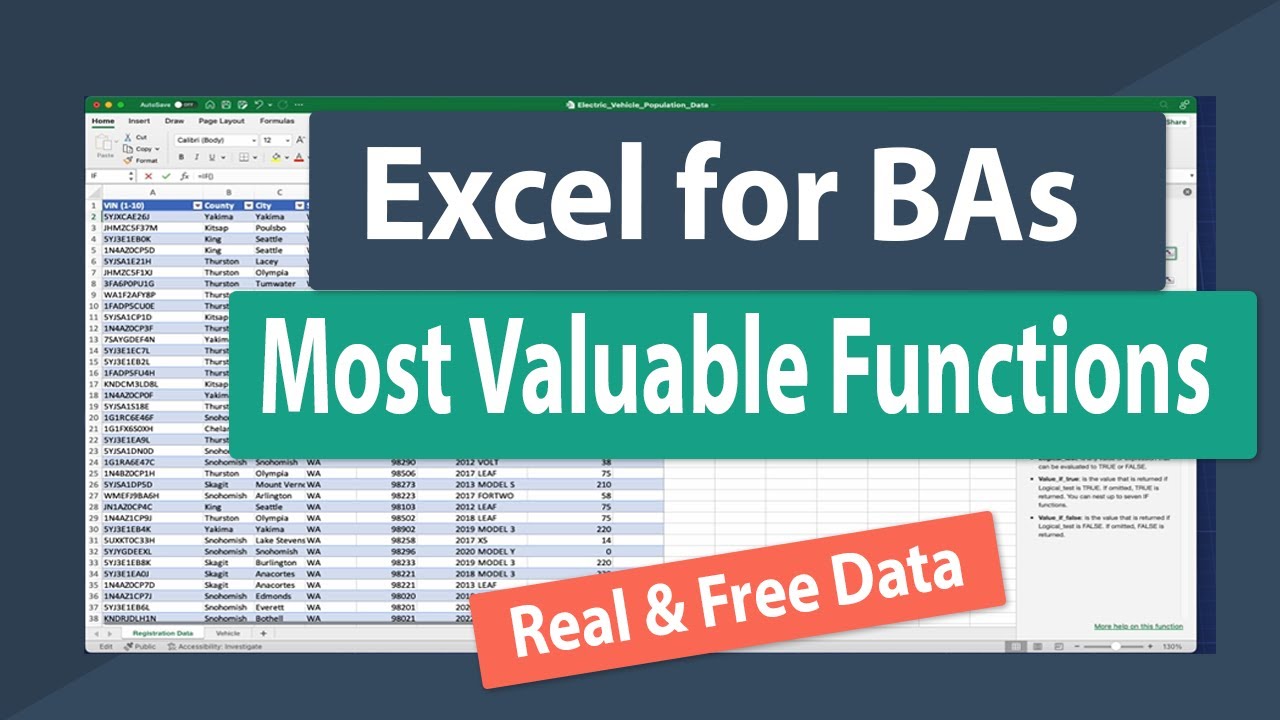
Begin with the basics to build a strong foundation. Open Microsoft Excel (desktop or online version at office.com). Review the official Excel functions list. Practice essential functions:
Enter data in cells A1:B10 (e.g., sales data: Product, Sales).
Use =SUM(B2:B10) for totals.
=AVERAGE(B2:B10) for averages.
=IF(B2>1000, "High", "Low") for conditional logic.
Follow the IF function guide. Create a simple workbook with 20 rows of sample sales data and apply these functions.
Why this step matters:
-Establishes core skills for quick data calculations in daily tasks
-Enables accurate financial summaries essential for business decisions
3-5 hours
Microsoft Excel (free online at office.com), Sample sales dataset, Microsoft Support function guides
$0
Definition of Done
•Build and explain SUM, AVERAGE, IF formulas in a workbook
•Create a basic table with conditional results
Common Mistakes to Avoid
❌ Forgetting to format cells as numbers causing errors
→Right-click cell > Format Cells > Number tab
❌ Using text in numeric functions leading to #VALUE!
→Ensure data types match; use VALUE() to convert
2
Following along, or just reading? 👀
Spin up a personalized “learn excel as a business analyst” plan you can save, check off, and return to anytime — unlimited on the free trial.