Learn Character.AI: Create Engaging AI Bots in 5 Steps

Learn Character.AI: Create Engaging AI Bots in 5 Steps

🧰

Instant Toolkit

2 artifacts

📋
Step-by-Step Guide

1

Step 1: Get Started on Character.AI

  1. Visit character.ai.
  2. Click 'Sign up' and create an account using email, Google, or Apple.
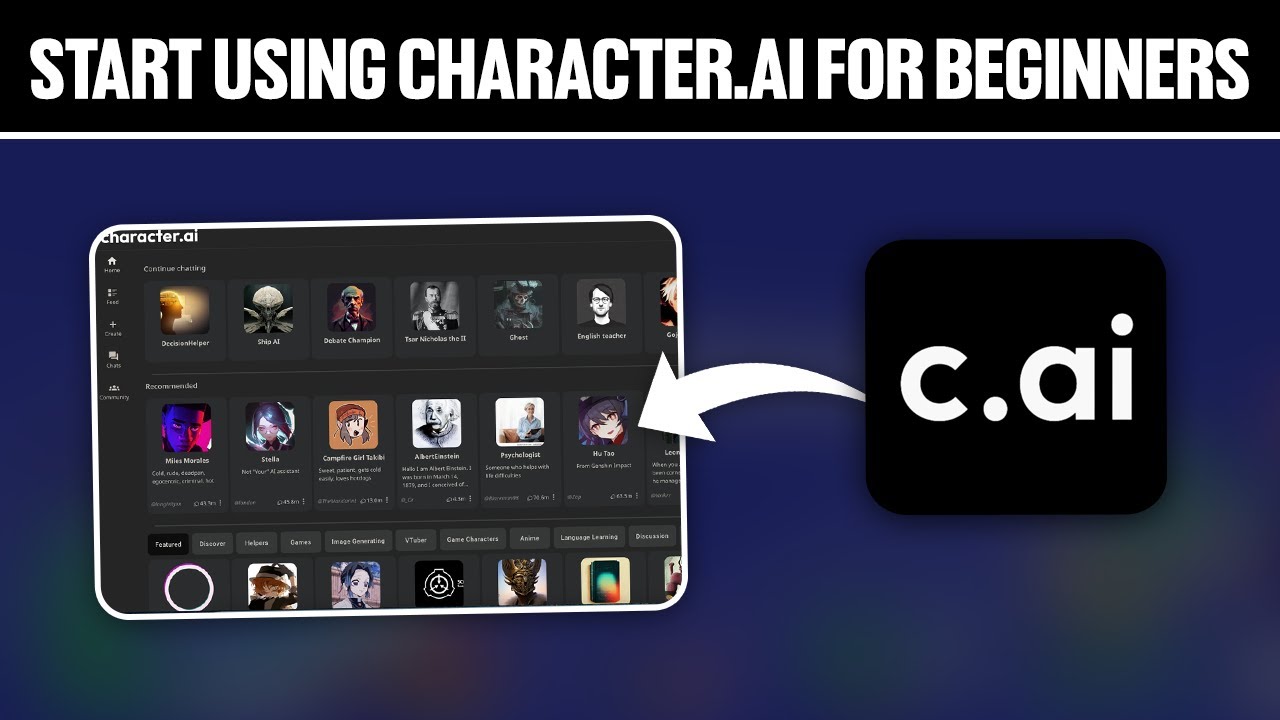
  3. Browse the home page for popular characters (e.g., historical figures, fictional heroes).
  4. Start chatting: Select a character, type messages, and observe responses.
  5. Try 3-5 different characters to see varied personalities and interaction styles.

Pro Tip: Use the search bar to find characters by theme, like 'adventure' or 'history'.

Why this step matters:
  • -Familiarizes you with the chat interface and AI response patterns
  • -Builds intuition for effective prompting in real conversations
30-60 minutes
Web browser, Character.ai website
$0
Definition of Done
  • Account successfully created and verified
  • Completed chats with at least 3 different characters
  • Understood basic chat flow and regeneration options
Common Mistakes to Avoid

Skipping diverse characters

Chat with varied types (e.g., serious, fun, role-play) to grasp range

Not regenerating responses

Click the refresh icon for alternative replies to explore possibilities

2

Following along, or just reading? 👀

Spin up a personalized “learn Character.ai” plan you can save, check off, and return to anytime — unlimited on the free trial.

Start free trial →
3
4
5