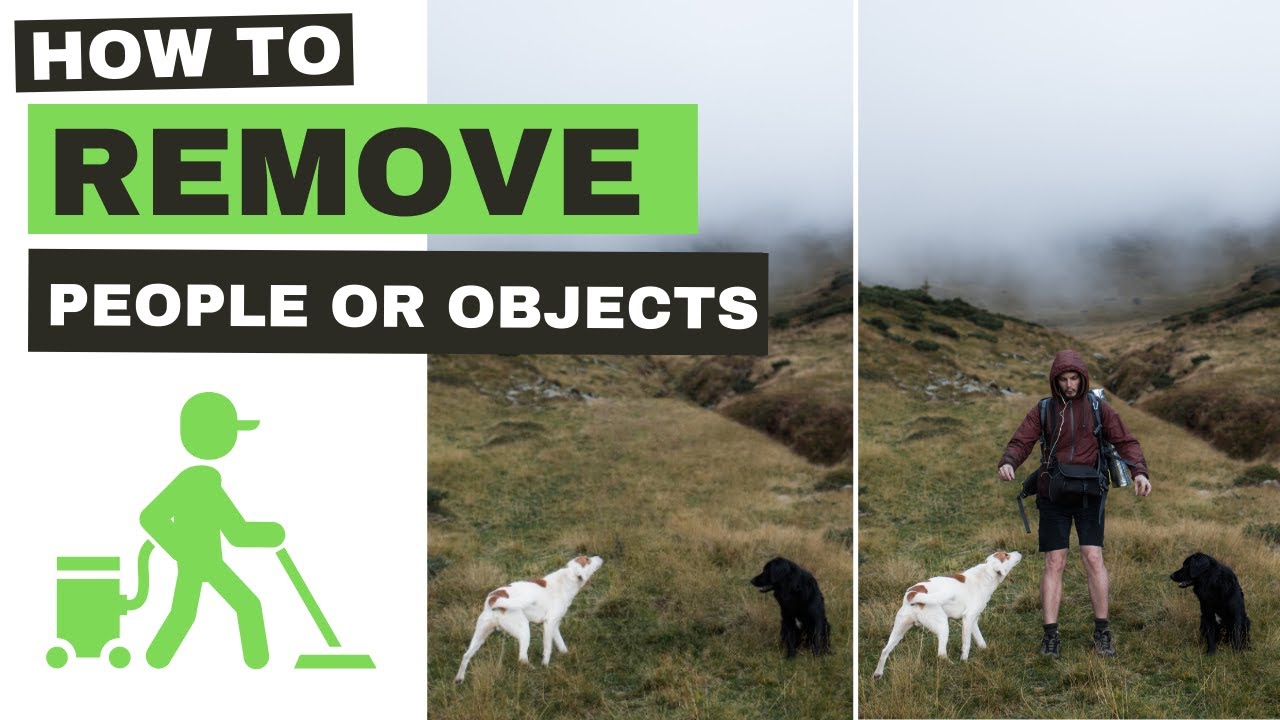
Visit cleanup.pictures in your web browser. Upload a sample image by dragging it or clicking 'Upload'. Adjust the brush size slider on the left, use zoom controls for precision, and note the 'Clean' button. Toggle HD mode if available (requires Pro). Experiment with brushing without erasing to understand the UI flow.
Why this step matters:
-Builds familiarity with the intuitive interface for quick edits
-Enables confident use in daily photo editing tasks
10-15 minutes
Web browser, Sample image file, cleanup.pictures
$0
Definition of Done
•Can upload an image successfully
•Knows how to adjust brush size and zoom
•Identifies the Clean button and HD toggle
Common Mistakes to Avoid
❌ Uploading very large files causing slow load
→Resize images under 10MB beforehand using any image editor
❌ Ignoring mobile responsiveness
→Test on desktop first for better control, then mobile
2
Following along, or just reading? 👀
Spin up a personalized “learn cleanup.pictures” plan you can save, check off, and return to anytime — unlimited on the free trial.