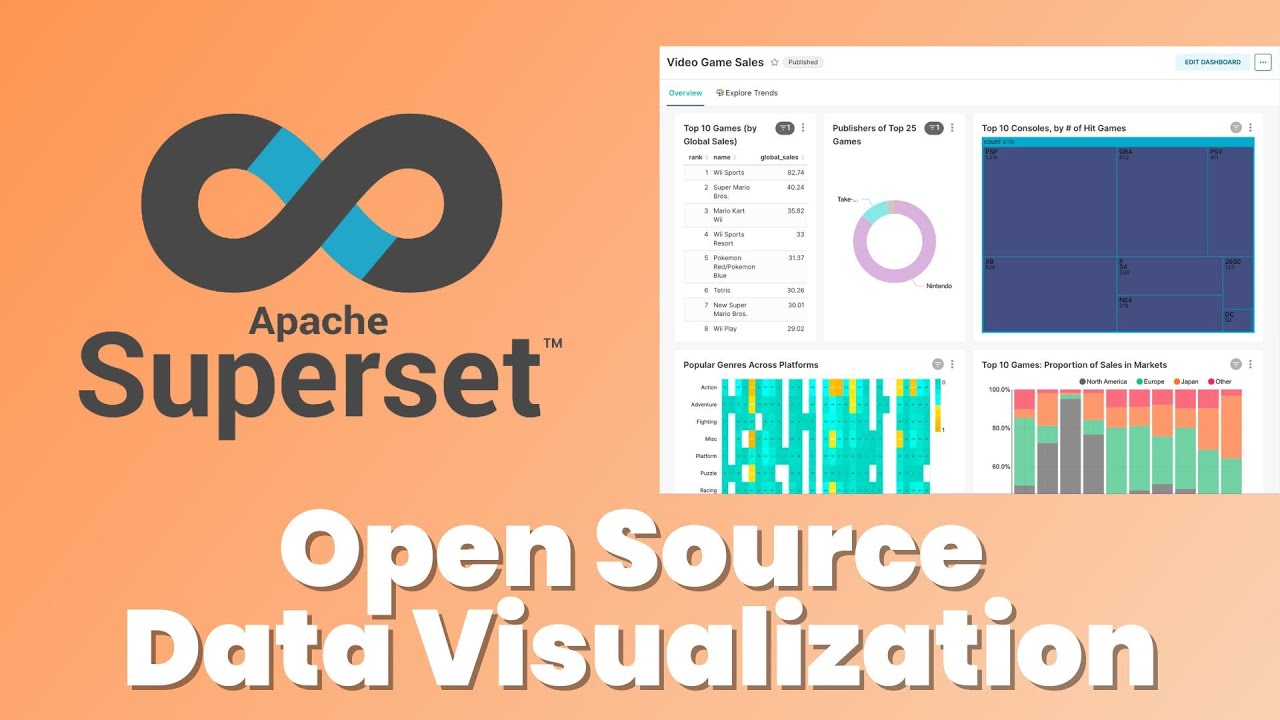
Master Apache Superset: Build Viz Dashboards in 5 Steps

Master Apache Superset: Build Viz Dashboards in 5 Steps

🧰

Instant Toolkit

2 artifacts

📋
Step-by-Step Guide

1

Prerequisites

  • Docker and Docker Compose installed
  • Git installed

Steps

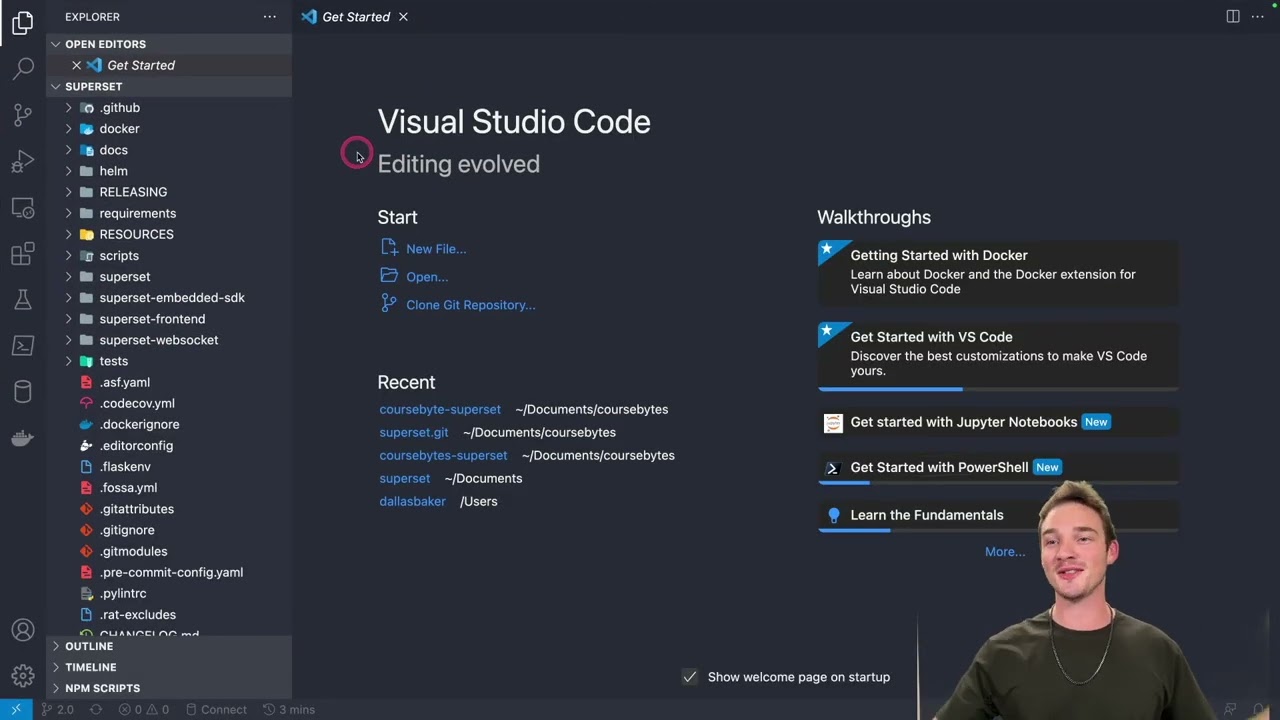
  1. Clone the repository:
git clone https://github.com/apache/superset
git checkout tags/6.0.0
  1. Navigate to the directory:
cd superset
  1. Start Superset:
docker compose -f docker-compose-image-tag.yml up
  1. Access http://localhost:8088 and login with admin / admin.

Stop with docker compose down.

Why this step matters:
  • -Provides a sandbox for safe experimentation with real features
  • -Simulates production setup for practical deployment skills
30-60 minutes
Docker, Docker Compose, Git
$0
Definition of Done
  • Superset UI accessible at http://localhost:8088
  • Successful login with admin/admin credentials
Common Mistakes to Avoid

Skipping the git checkout to a tagged release

Run `git checkout tags/6.0.0` for the stable 6.0.0 version

Using the wrong Docker Compose file

Specify `-f docker-compose-image-tag.yml` explicitly

Port 8088 already in use

Change the port in the compose file or stop conflicting services

2

Following along, or just reading? 👀

Spin up a personalized “learn Apache Superset” plan you can save, check off, and return to anytime — unlimited on the free trial.

Start free trial →
3
4
5