Master Bolt.new: Build AI Apps in 5 Steps

Master Bolt.new: Build AI Apps in 5 Steps

🧰

Instant Toolkit

2 artifacts

📋
Step-by-Step Guide

1

Step 1: Get Started with Bolt.new

  1. Visit bolt.new in your web browser.
  2. Click 'Start building' or 'Try for free' to create a StackBlitz/Bolt account (uses GitHub login or email).
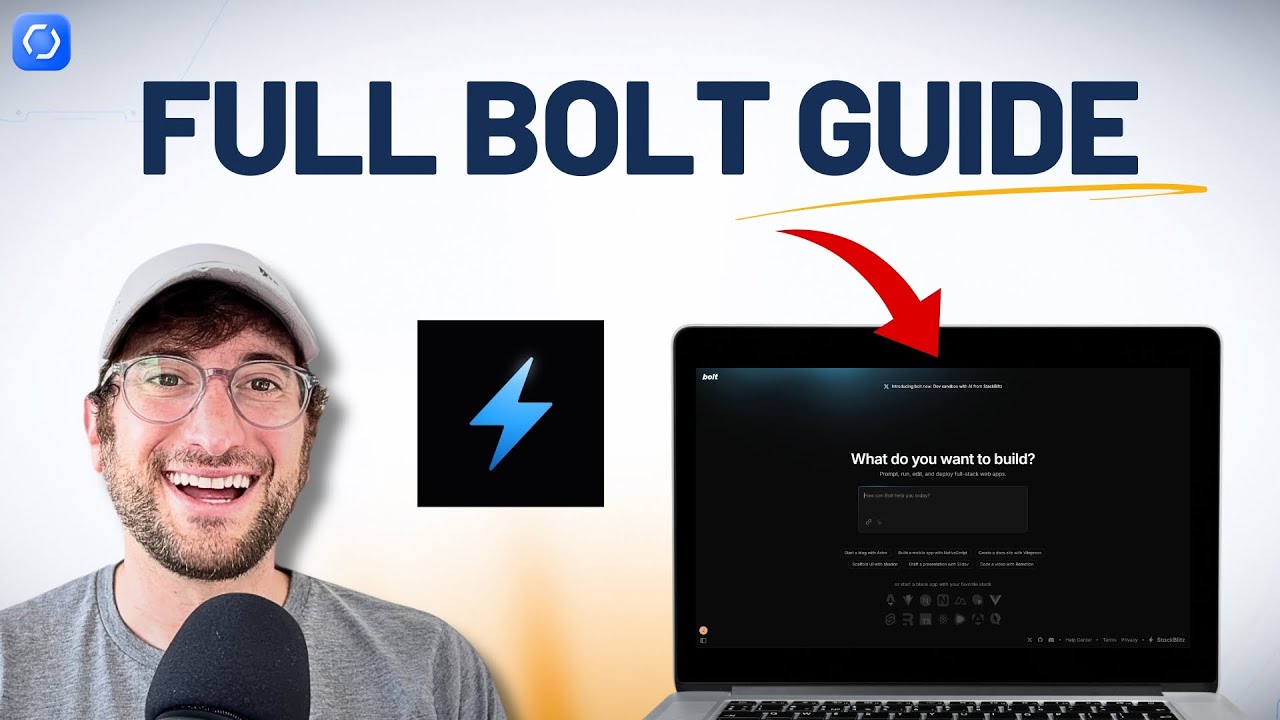
  3. Familiarize with the interface:
    • Chatbox: Bottom area for prompts.
    • Preview pane: Live app preview.
    • Code view: Toggle to edit files directly.
    • Sidebar: Projects list (hover left edge).
  4. Review settings: Bottom-left gear icon for agent selection (Claude recommended), personal settings.

Free tier includes 1M tokens/month; upgrade for more.

Why this step matters:
  • -Establishes a strong foundation for prompting and building
  • -Enables seamless workflow in browser without setup
15-30 minutes
Web browser (Chrome recommended), GitHub account
$0
Definition of Done
  • Account created and logged in
  • Interface elements identified (chatbox, preview, code view)
Common Mistakes to Avoid

Skipping agent selection

Choose Claude Agent for best results in settings

Using unsupported browser

Use latest Chrome or Firefox for WebContainers

2

Following along, or just reading? 👀

Spin up a personalized “learn Bolt.new” plan you can save, check off, and return to anytime — unlimited on the free trial.

Start free trial →
3
4
5