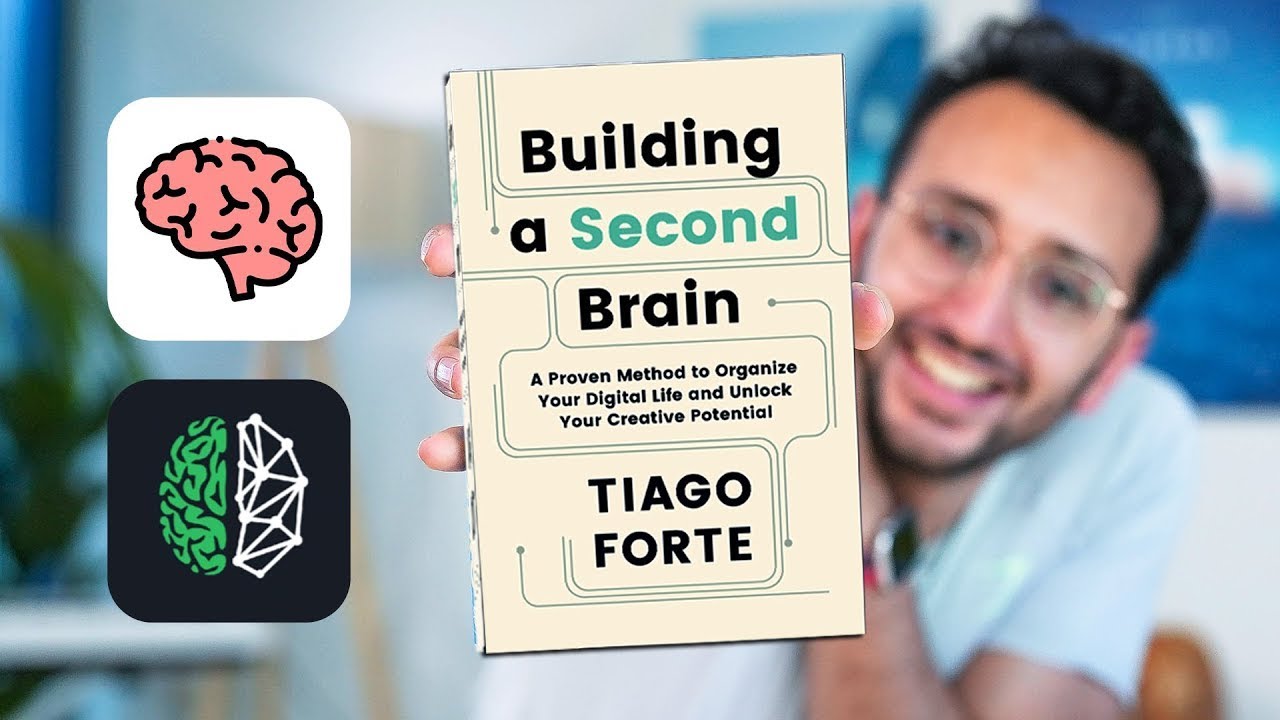
Master Building a Second Brain in 5 Steps

Master Building a Second Brain in 5 Steps

🧰

Instant Toolkit

2 artifacts

📋
Step-by-Step Guide

1

Step 1: Understand BASB and Select Your App

Read the Definitive Introductory Guide to learn CODE (Capture, Organize, Distill, Express) and PARA (Projects, Areas, Resources, Archives).

Visit the Resource Guide to pick a notes app based on style:

  • Architect: Notion (notion.so)
  • Gardener: Obsidian (obsidian.md)
  • Librarian: Evernote

Example setup with Obsidian (free):

  1. Download from obsidian.md.
  2. Create a new vault named 'Second Brain'.
  3. Install in vault if needed.

With Notion: Duplicate the official BASB template from buildingasecondbrain.com.

Decide what to capture: recurring ideas, highlights, insights.

Why this step matters:
  • -Builds a strong conceptual foundation for knowledge management
  • -Ensures you select a tool that fits your workflow for sustained use
1-2 hours
Browser, Obsidian.md, Notion.so, buildingasecondbrain.com/resources
$0
Definition of Done
  • Can explain CODE and PARA principles in own words
  • Has installed and opened a chosen notes app with a new vault/workspace
Common Mistakes to Avoid

Overwhelmed by too many app options

Pick one based on your style (e.g., Obsidian for free local notes) and commit for 30 days

Skipping the intro guide

Spend 30 minutes reading to align on goals before setup

Trying multiple apps at once

Focus on core features of one app first

2

Following along, or just reading? 👀

Spin up a personalized “learn second brain” plan you can save, check off, and return to anytime — unlimited on the free trial.

Start free trial →
3
4
5