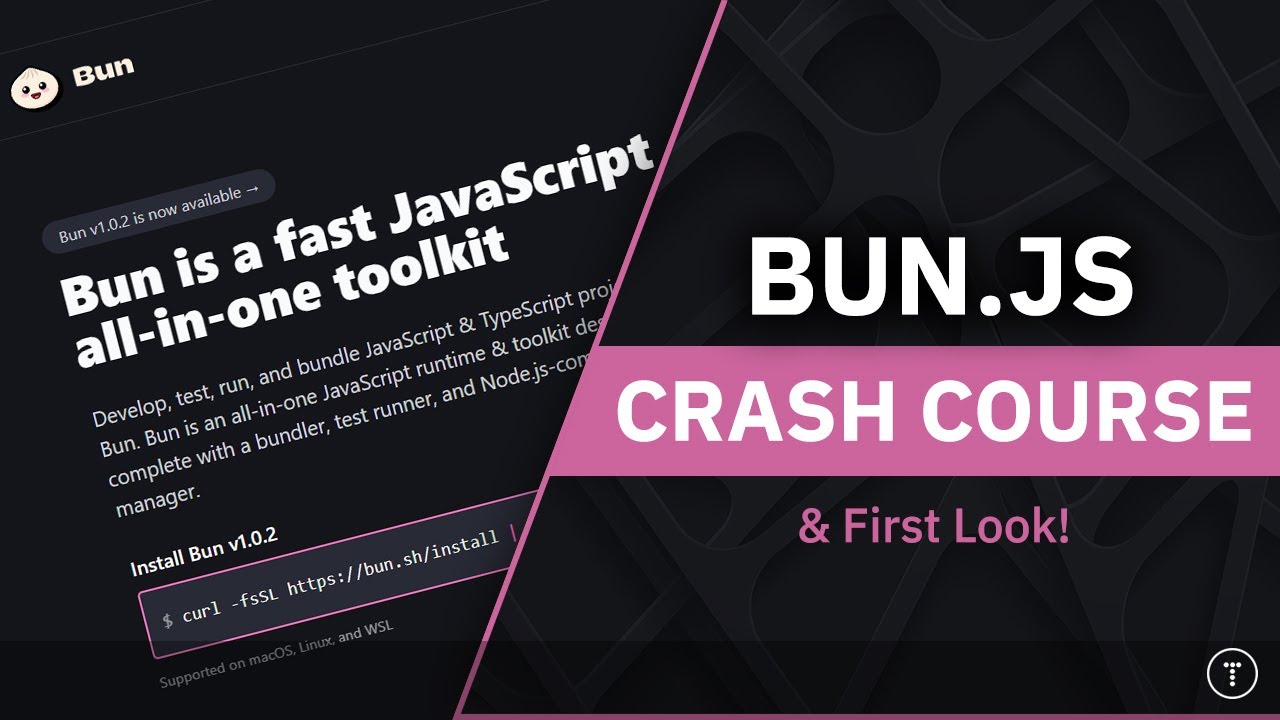
Master Bun: Fast JS Runtime & Toolkit in 5 Steps

Master Bun: Fast JS Runtime & Toolkit in 5 Steps

🧰

Instant Toolkit

2 artifacts

📋
Step-by-Step Guide

1

Install Bun

Bun is a single executable. Use these exact commands based on your OS:

macOS / Linux

curl -fsSL https://bun.sh/install | bash

Reload your shell: source ~/.bashrc or restart terminal.

Windows

powershell -c "irm bun.sh/install.ps1|iex"

Add to PATH if needed and restart terminal.

Verify:

bun --version
bun --revision

Create hello.js:

console.log('Hello from Bun!');

Run: bun run hello.js

Why this step matters:
  • -Establishes your development environment quickly
  • -Enables running JS/TS scripts without Node.js setup
15-30 minutes
Terminal/PowerShell, curl (macOS/Linux), Text Editor
$0
Definition of Done
  • bun --version outputs current version
  • Successfully runs a hello world script
Common Mistakes to Avoid

Command not found after install

Reload shell with source ~/.bashrc or add ~/.bun/bin to PATH

Wrong installer for OS

Use Linux/mac command for macOS, PowerShell for Windows

2

Following along, or just reading? 👀

Spin up a personalized “learn Bun” plan you can save, check off, and return to anytime — unlimited on the free trial.

Start free trial →
3
4
5