Master Claude AI: Prompting and Usage in 5 Steps

Master Claude AI: Prompting and Usage in 5 Steps

🧰

Instant Toolkit

2 artifacts

📋
Step-by-Step Guide

1

Step 1: Access and Familiarize with Claude

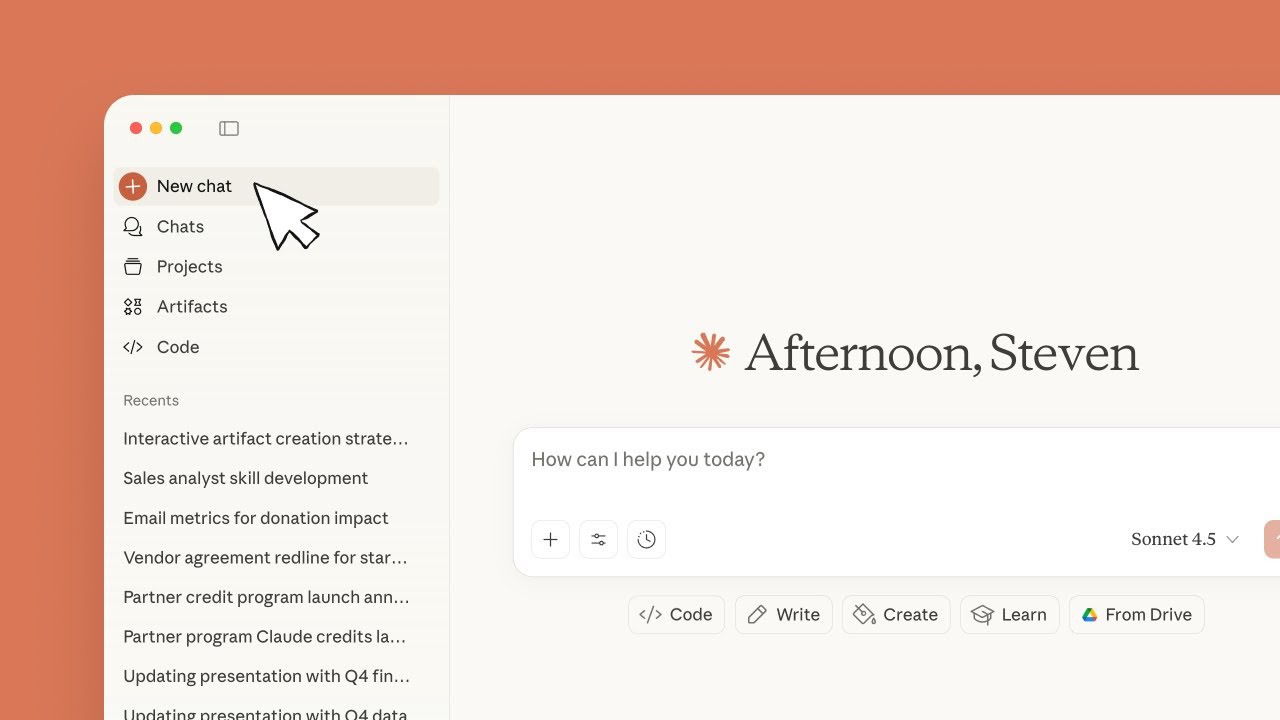
  1. Visit claude.ai in your web browser or download the desktop/mobile app from claude.ai/download.
  2. Create a free account (must be 18+ and in a supported location).
  3. Start a chat: Type a simple prompt like 'Explain how to hang a picture frame' and submit.
  4. Experiment with follow-up questions and use the '+' button or '/' for commands.
  5. Note the model (e.g., Claude 3.5 Sonnet) and usage limits (resets every 5 hours on free plan).
Why this step matters:
  • -Builds foundational comfort with the conversational interface
  • -Enables immediate practical use for everyday tasks and queries
30-45 minutes
Web browser, Claude.ai account
$0
Definition of Done
  • Successfully started and maintained a multi-turn conversation
  • Identified usage limits and model selector (if on paid plan)
Common Mistakes to Avoid

Using vague prompts leading to generic responses

Start with specific, natural language questions like speaking to a coworker

Ignoring location/age requirements

Check supported locations in the help center before signing up

2

Following along, or just reading? 👀

Spin up a personalized “learn Claude AI” plan you can save, check off, and return to anytime — unlimited on the free trial.

Start free trial →
3
4
5