Master Copy.ai: AI Content Creation in 5 Steps

Master Copy.ai: AI Content Creation in 5 Steps

🧰

Instant Toolkit

3 artifacts

📋
Step-by-Step Guide

1

Step 1: Get Started with Copy.ai

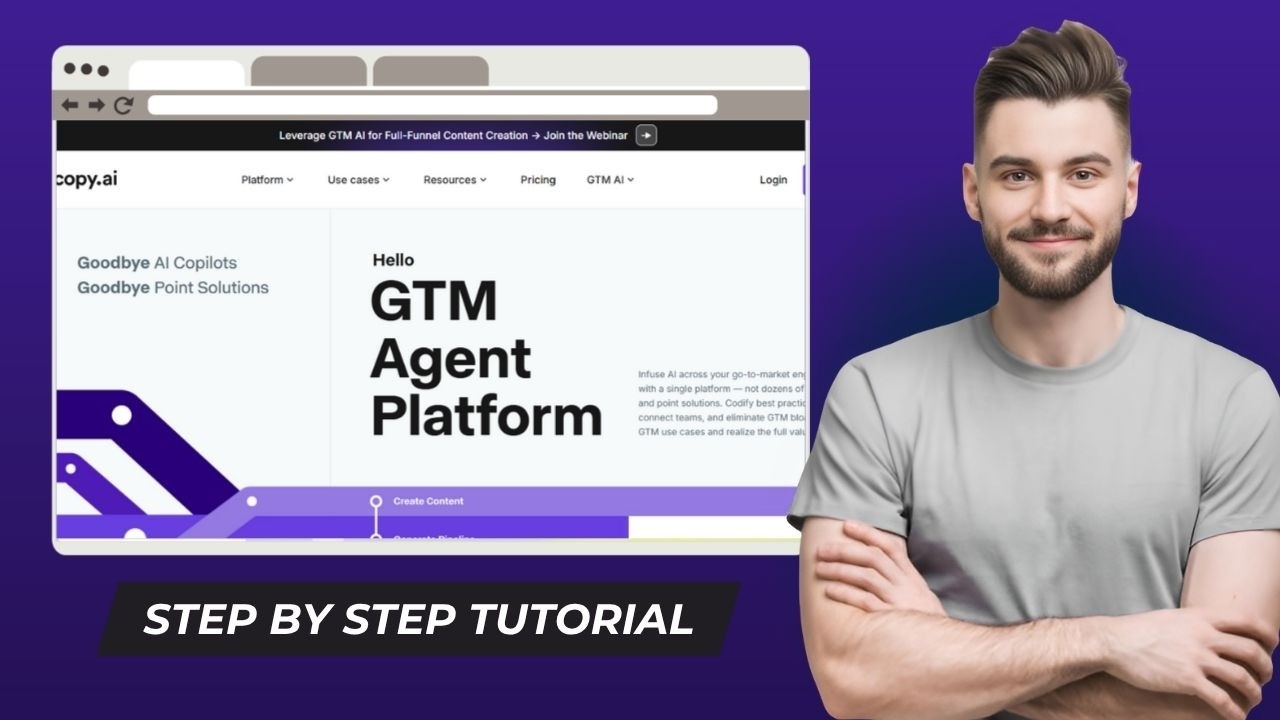
  1. Visit copy.ai and click 'Get Started - It's Free'.
  2. Sign up using Google, email, or other options.
  3. Complete onboarding: select your role and goals.
  4. Tour the dashboard: check Tools, Workflows, Chat, and free generators.
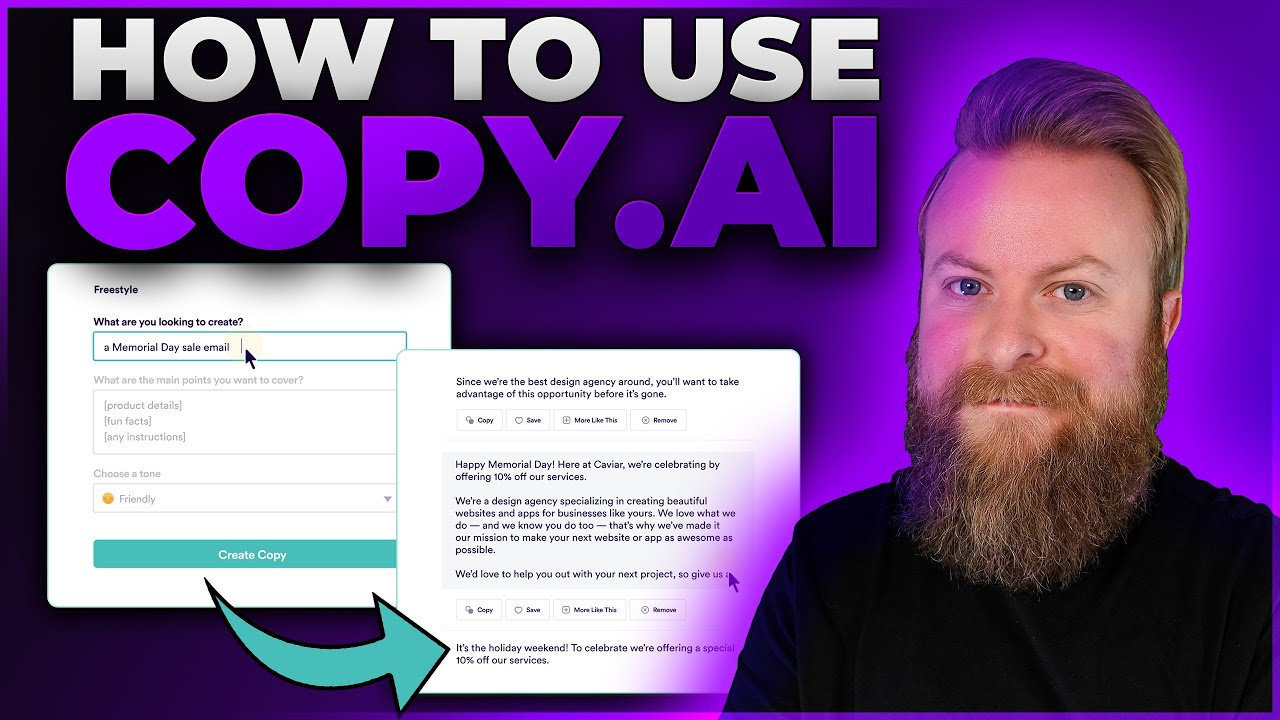
  5. Try a free tool like Paragraph Generator to input a prompt and see output.
Why this step matters:
  • -Builds familiarity with the interface for confident navigation
  • -Enables immediate hands-on experience with core features
30-60 minutes
Web Browser, Email Account, Copy.ai Free Account
$0
Definition of Done
  • Successfully logged into dashboard
  • Generated first AI output using a free tool
  • Identified main sections: Tools, Workflows, Chat
Common Mistakes to Avoid

Skipping onboarding questions

Answer them to personalize recommendations

Not trying free tools immediately

Experiment with one generator to build momentum

2

Following along, or just reading? 👀

Spin up a personalized “learn Copy.ai” plan you can save, check off, and return to anytime — unlimited on the free trial.

Start free trial →
3
4
5