Master Digital Art Basics in 5 Practical Steps

Master Digital Art Basics in 5 Practical Steps

🧰

Instant Toolkit

2 artifacts

📋
Step-by-Step Guide

1

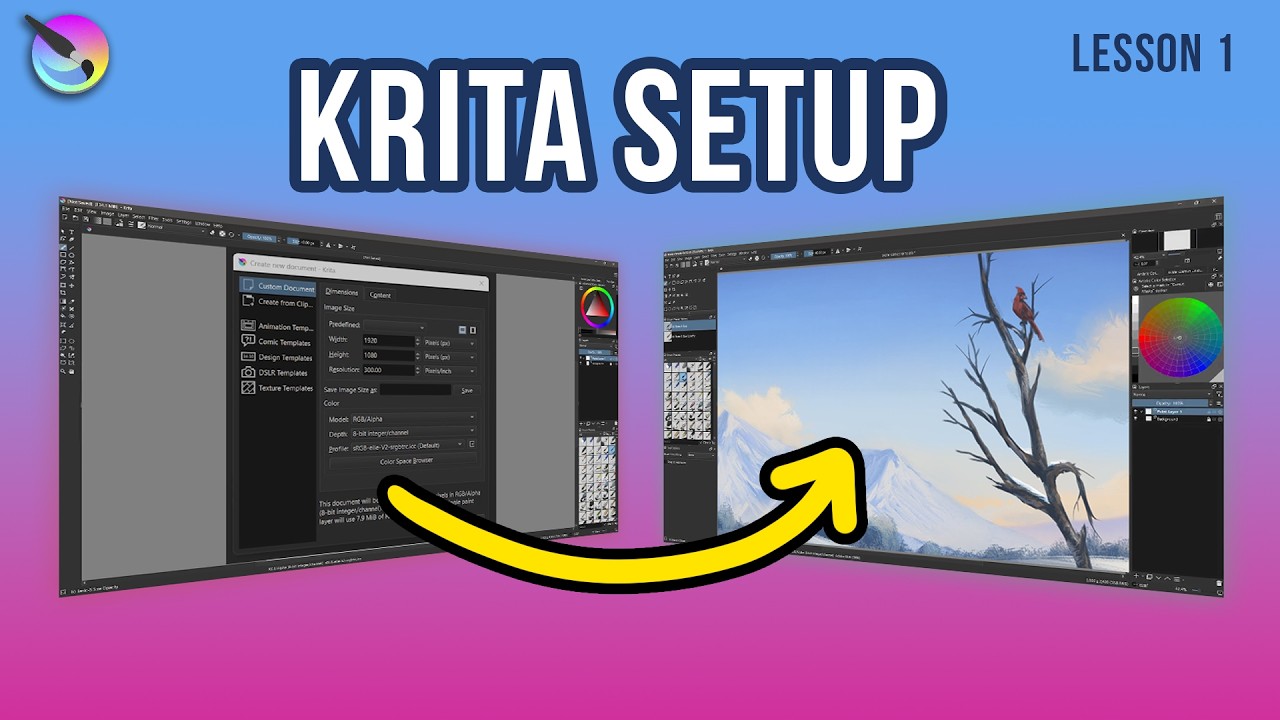
Download and install Krita, the free professional painting software. Visit krita.org and select the installer for your OS (Windows, macOS, or Linux). Run the installer and launch Krita. Create a new document: File > New, set canvas size to 2000x2000 pixels at 300 DPI. Optionally, connect a drawing tablet like XP-Pen Deco for better control, but start with a mouse if needed.

Explore the default workspace: Dockers (layers, brushes) on right, toolbox on left, canvas center.

Why this step matters:
  • -Establishes a reliable free setup without barriers to entry
  • -Familiarizes you with pro-level tools used in real projects
30-60 minutes
Krita software, Computer, Mouse or drawing tablet, Internet browser
$0-$50
Definition of Done
  • Krita installed and new canvas created
  • Default interface elements identified (layers, brushes)
Common Mistakes to Avoid

Overwhelmed by options; skip workspace customization

Stick to defaults initially; reset via Window > Workspace > Default

Ignoring tablet drivers

Download drivers from manufacturer site before connecting

2

Following along, or just reading? 👀

Spin up a personalized “learn digital art” plan you can save, check off, and return to anytime — unlimited on the free trial.

Start free trial →
3
4
5