Master Hemingway Editor: Write Bold, Clear Prose in 5 Steps
Master Hemingway Editor: Write Bold, Clear Prose in 5 Steps
🧰
Instant Toolkit
1 artifact
📋
Step-by-Step Guide
1
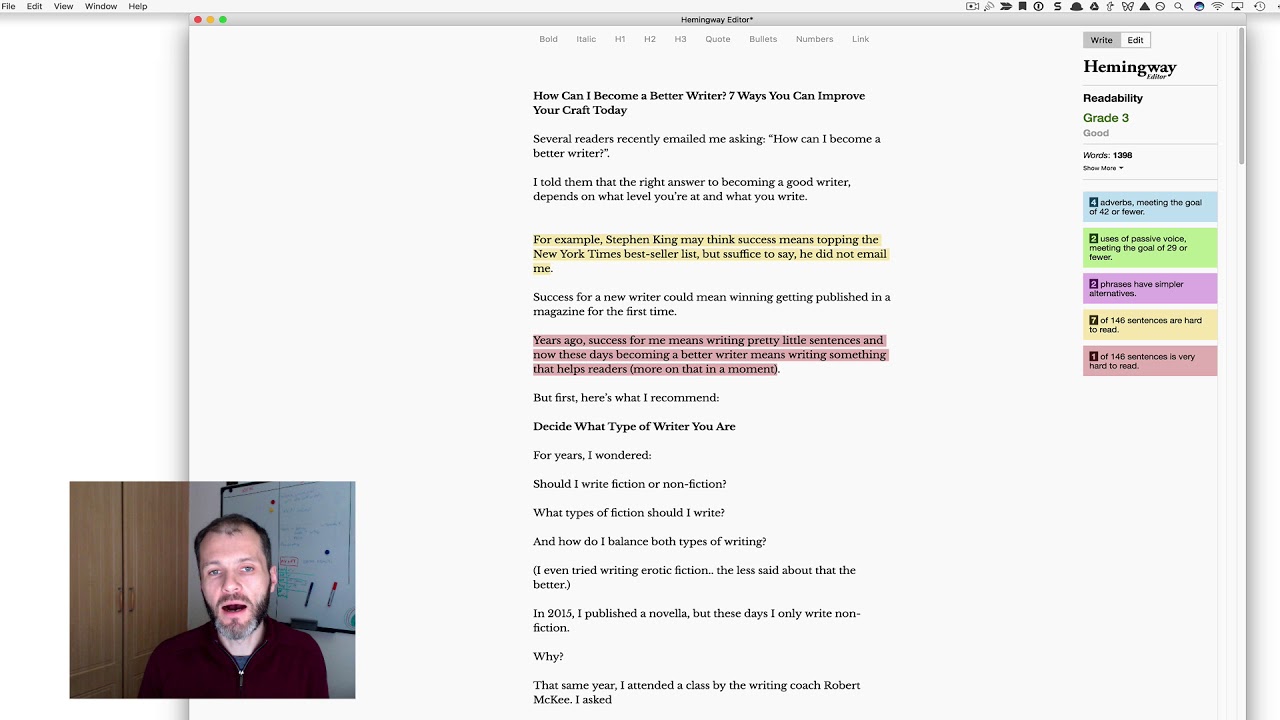
Visit Hemingway Editor in your web browser. Paste sample text into the editor to see it in action. Toggle between Write mode (distraction-free drafting) and Edit mode (view highlights and stats) using buttons in the top-right corner. Note the readability score and issue counts on the right panel.
Why this step matters:
-Establishes core navigation skills for efficient use
-Enables instant feedback on writing clarity from first use
15-30 minutes
Web browser, hemingwayapp.com, Sample text paragraph
$0
Definition of Done
•Pasted text and viewed color highlights
•Switched between Write and Edit modes successfully
•Observed readability score and stats panel
Common Mistakes to Avoid
❌ Staying in Edit mode while drafting
→Click Write button to hide distractions and focus
❌ Ignoring stats panel
→Expand it to track word count and reading time
2
Following along, or just reading? 👀
Spin up a personalized “learn Hemingway Editor” plan you can save, check off, and return to anytime — unlimited on the free trial.

![Hemingway Editor [Tutorial]](https://img.youtube.com/vi/5QoCCDM-4-k/maxresdefault.jpg)