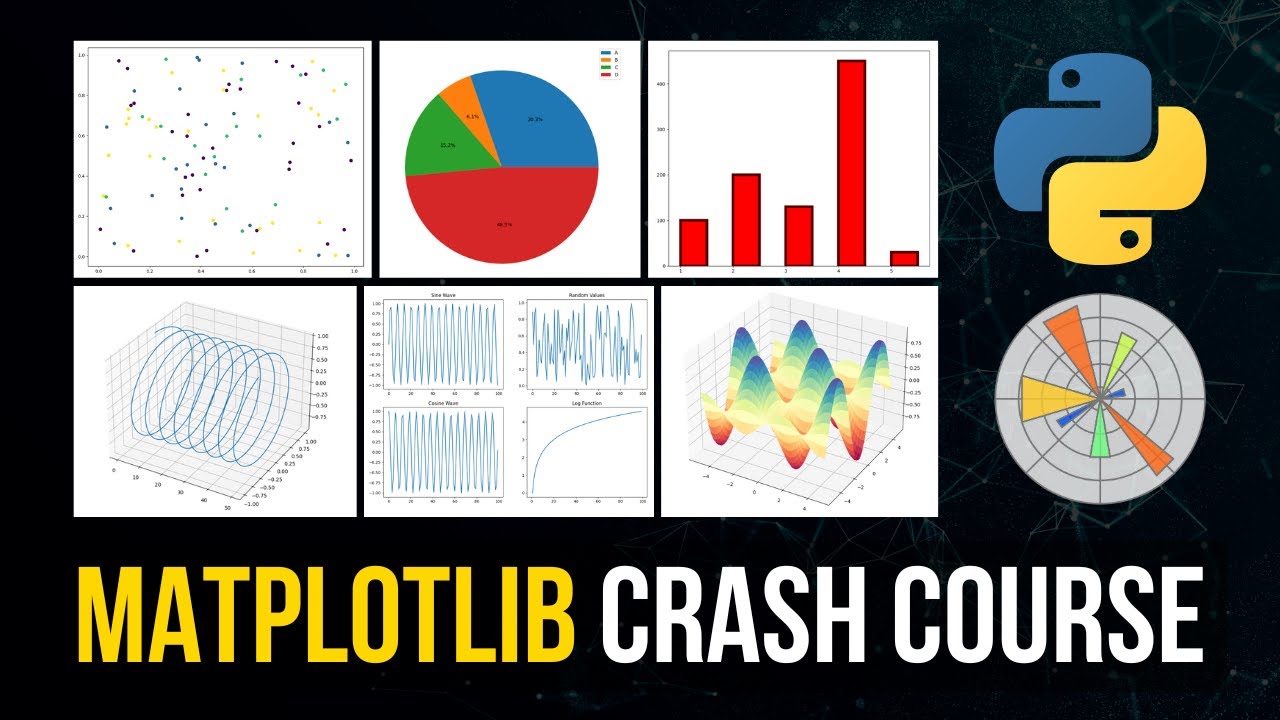
Master Matplotlib: Build Stunning Plots in 5 Steps

Master Matplotlib: Build Stunning Plots in 5 Steps

🧰

Instant Toolkit

2 artifacts

📋
Step-by-Step Guide

1

Start by ensuring you have Python 3.9+ installed. Use a Jupyter Notebook for interactive plotting—it's ideal for experimentation.

Installation Commands:

pip install matplotlib numpy jupyterlab

Or with Conda:

conda install -c conda-forge matplotlib numpy jupyterlab

Launch Jupyter: jupyter lab in terminal. Create a new notebook.

Test import:

import matplotlib.pyplot as plt
import numpy as np
print(plt.__version__)  # Should show 3.10+ or latest

Why this step matters:
  • -Establishes a reliable workspace for hands-on practice
  • -Enables immediate plotting without setup hurdles in projects
15-30 minutes
Python 3.9+, pip or conda, JupyterLab, Terminal
$0
Definition of Done
  • Jupyter Notebook launches successfully
  • Imports matplotlib and numpy without errors
  • Prints current Matplotlib version
Common Mistakes to Avoid

Using outdated Python version causing backend issues

Upgrade to Python 3.9+ and reinstall with pip/conda

Missing NumPy leading to array errors

Install NumPy alongside: pip install numpy

2

Following along, or just reading? 👀

Spin up a personalized “learn Matplotlib” plan you can save, check off, and return to anytime — unlimited on the free trial.

Start free trial →
3
4
5