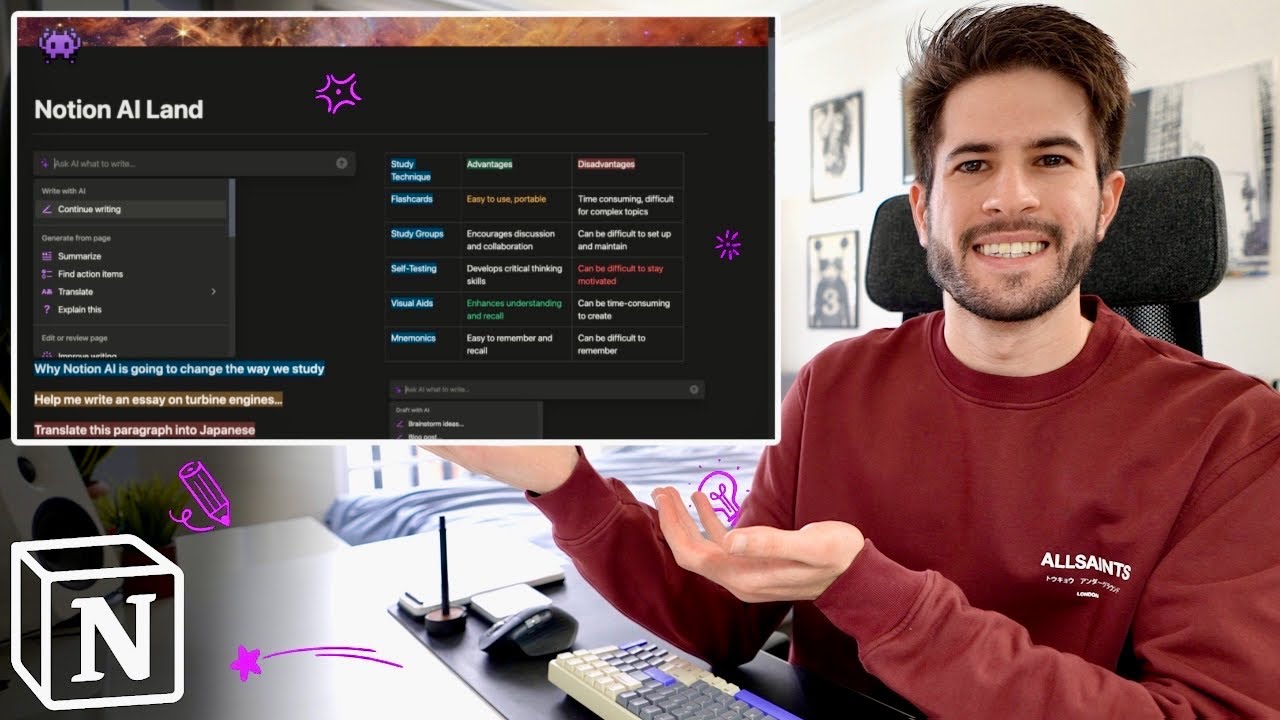
Master Notion AI: Boost Productivity in 5 Steps

Master Notion AI: Boost Productivity in 5 Steps

🧰

Instant Toolkit

2 artifacts

πŸ“‹
Step-by-Step Guide

1

Step 1: Get Started with Notion AI

  1. Visit notion.so and sign up for a free account if you don't have one.
  2. Create a new workspace or use the default.
  3. Upgrade to a plan with Notion AI: Free users get a trial; Business/Enterprise includes it ($10/month add-on otherwise).
  4. In settings (click your profile > Settings & members > Notion AI), enable AI features.
  5. Test access: Open a page, press Space bar for AI prompt or Shift + Cmd/Ctrl + J for chat.

Pro Tip: Use the free trial to explore without commitment.

Why this step matters:
  • -Builds the foundation to access all AI tools immediately
  • -Enables hands-on practice in a real workspace
15-30 minutes
Notion web/app, Web browser
$0 (free trial)
Definition of Done
  • β€’Notion workspace created and AI enabled
  • β€’AI chat opens via shortcut
Common Mistakes to Avoid

❌ Skipping plan upgrade, missing AI

β†’Enable trial in Settings > Notion AI

❌ Using desktop without shortcuts

β†’Practice `Shift + Cmd/Ctrl + J` for quick access

2

Following along, or just reading? πŸ‘€

Spin up a personalized β€œlearn Notion AI” plan you can save, check off, and return to anytime β€” unlimited on the free trial.

Start free trial β†’
3
4
5