Step 1: Get Started with GIMP or Photopea
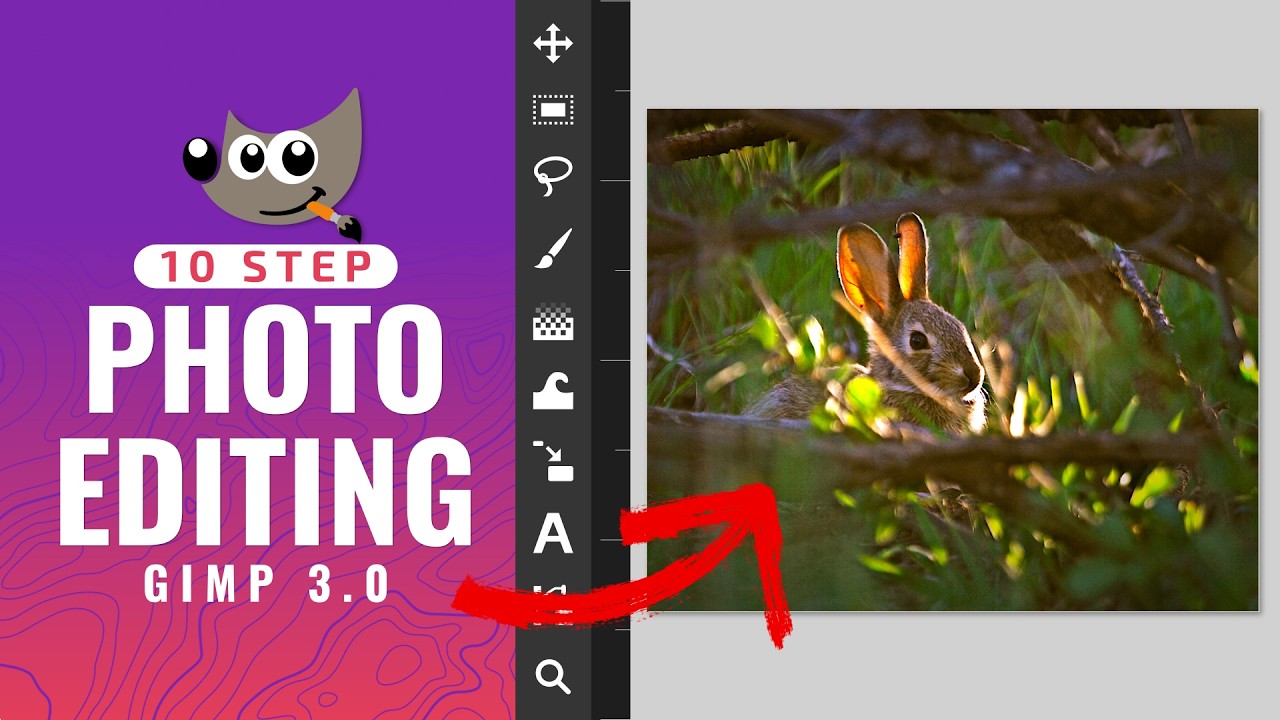
Option 1: GIMP (Free Download)
- Visit gimp.org and download GIMP 3.0 for your OS.
- Install following the installer prompts (standard next-next-finish).
- Launch GIMP.
Option 2: Photopea (No Install)
- Go to photopea.com in your browser.
- It loads instantly like Photoshop.
Download 5 sample photos from free sites like Unsplash for practice.