Master Tableau: Build Vizzes & Dashboards in 5 Steps
Master Tableau: Build Vizzes & Dashboards in 5 Steps
🧰
Instant Toolkit
2 artifacts
📋
Step-by-Step Guide
1
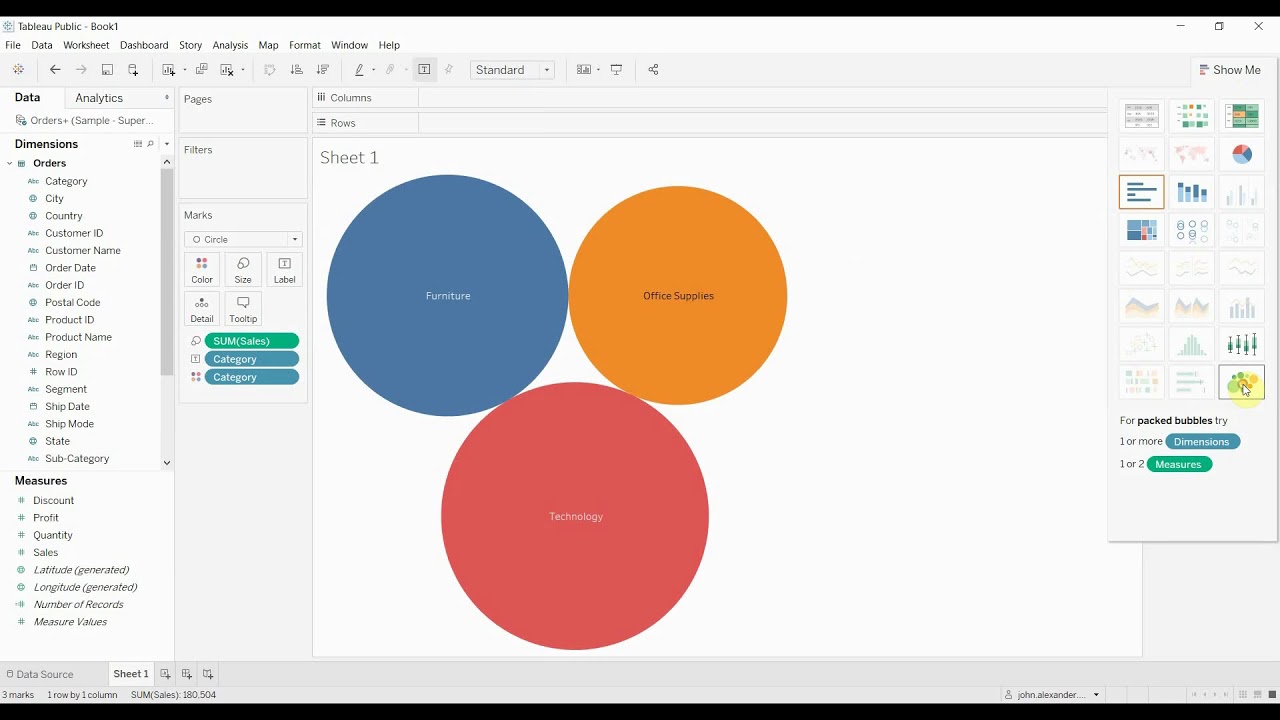
Download free Tableau Public from the official site. Create a free profile to save and publish work. Launch the app, familiarize with workspace: Data pane, Sheets, Dashboards. Watch official Getting Started videos (9 videos, 20 min total).
Why this step matters:
-Establishes core interface navigation for efficient workflow
-Allows immediate hands-on practice without cost barriers
30-45 minutes
Tableau Public, Web browser, Official training videos
$0
Definition of Done
•Tableau Public installed and profile created
•Workspace elements identified and basic navigation tested
Common Mistakes to Avoid
❌ Skipping profile creation
→Create profile immediately to enable saving and publishing
❌ Overlooking video playlists
→Watch sequentially for structured intro
2
Following along, or just reading? 👀
Spin up a personalized “learn Tableau” plan you can save, check off, and return to anytime — unlimited on the free trial.