Master Tome AI for Stunning Presentations in 5 Steps

Master Tome AI for Stunning Presentations in 5 Steps

🧰

Instant Toolkit

2 artifacts

📋
Step-by-Step Guide

1

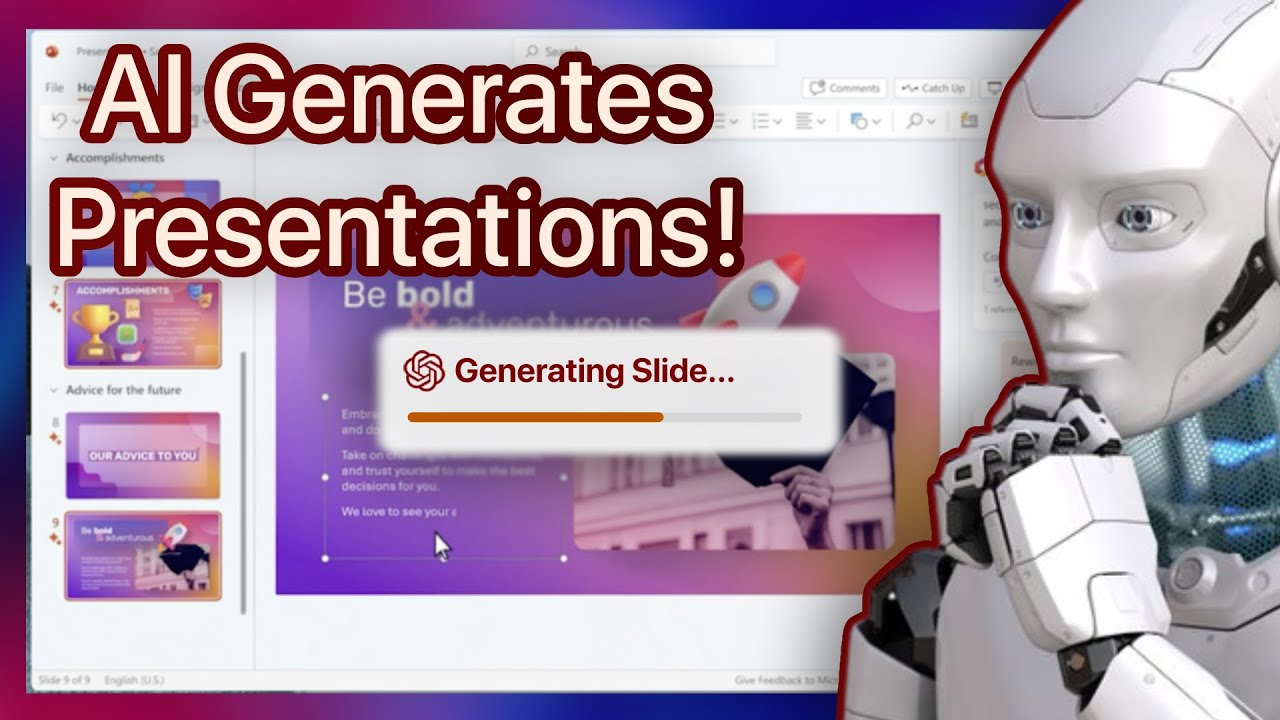
Visit tome.app and create a free account using your email or Google. Once logged in, familiarize yourself with the dashboard: review templates, recent Tones, and the 'Create' button. Click around to see the prompt input area and preview options.

  • Navigate to the home screen
  • Review key sections: My Tones, Templates, Create new
  • Note AI prompt field for generation
Why this step matters:
  • -Establishes core navigation skills for quick starts
  • -Enables confident use in real-world projects without hesitation
15-30 minutes
Web browser, Email or Google account
$0
Definition of Done
  • Free account successfully created
  • Dashboard fully explored and key buttons identified
Common Mistakes to Avoid

Skipping the tour and jumping into creation

Spend 5 minutes clicking through templates first

Using paid plan immediately

Start with free tier to test core features

2

Following along, or just reading? 👀

Spin up a personalized “learn Tome” plan you can save, check off, and return to anytime — unlimited on the free trial.

Start free trial →
3
4
5